
🤓 Latest Submissions
Ming - Every Done Comes with Proof
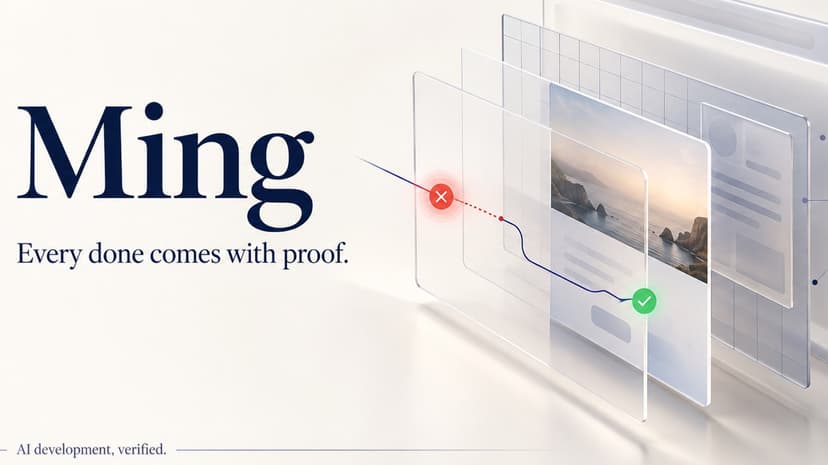
After an AI says a feature is done, someone still opens the app, clicks through the requirements, captures failures, explains them to the coding assistant, and repeats the work after every edit. Ming turns that repeated verification into a reusable acceptance loop for people building web apps with AI: describe the expected behavior, approve a readable checklist, inspect real results, and give the coding assistant evidence it can act on. The browser workspace follows four steps: Add app, Describe, Review, Results. Users open an HTML file, a static website ZIP, or a browser-ready folder from a public GitHub repository. They describe what should work and explicitly request a checklist from LLM. Ming shows what it will do and what counts as passing. The user chooses Approve and check; unresolved questions or a changed project prevent stale approval. Advanced manual checks also work without a model. Ming then performs actual browser actions and records expected versus observed behavior, DOM-rendered snapshots, and the exact plan and source identities. A failure becomes copyable instructions for the user's coding AI. After the user brings back an updated app, Ming reruns the same checklist and preserves the original failure for comparison. The hosted workspace does not edit repositories or automatically send instructions to another agent. In a verified hosted Shipboard example, one real model request produced nine steps covering empty-input validation, task creation, and persistence after reload. The defective app lost its task after refresh. The corrected upload passed all nine unchanged steps while the failed baseline remained intact. This example used a prepared corrected source, not an AI-generated hosted repair. For local development, Ming also provides a Playwright runner and 12 MCP tools. In a separate recorded demonstration, a coding assistant retrieved a failure through actual MCP, edited the same Shipboard target, and reran an unchanged, hand-authored plan. All three criteria passed with source-bound repair verification. Evidence Studio lets reviewers explore the original steps, screenshots, and comparison. The visual experience connects requirements to observable proof rather than asking users to interpret raw test scripts. The online preview supports static browser-ready projects, not arbitrary backends or external services. Passing proves only the approved checks; it does not certify every feature. IBM Bob built the initial execution, evidence, provider, and repair foundations; subsequent development completed the later product extensions.
27 Sep 2026

