Text Generation Web UI

The Text Generation Web UI is a Gradio-based interface for running Large Language Models like LLaMA, llama.cpp, GPT-J, Pythia, OPT, and GALACTICA. It provides a user-friendly interface to interact with these models and generate text, with features such as model switching, notebook mode, chat mode, and more. The project aims to become the go-to web UI for text generation and is similar to AUTOMATIC1111/stable-diffusion-webui in terms of functionality.

Features

  • Dropdown menu for switching between models
  • Notebook mode that resembles OpenAI's playground
  • Chat mode for conversation and role-playing
  • Instruct mode compatible with various formats, including Alpaca, Vicuna, Open Assistant, Dolly, Koala, ChatGLM, and MOSS
  • Nice HTML output for GPT-4chan
  • Markdown output for GALACTICA, including LaTeX rendering
  • Custom chat characters
  • Advanced chat features (send images, get audio responses with TTS)
  • Efficient text streaming
  • Parameter presets
  • Layers splitting across GPU(s), CPU, and disk
  • CPU mode
  • and much more!

Installation

There are different installation methods available, including one-click installers for Windows, Linux, and macOS, as well as manual installation using Conda. Detailed installation instructions can be found in the Text Generation Web UI repository.

Downloading Models

Models should be placed inside the models folder. You can download models from Hugging Face, such as Pythia, OPT, GALACTICA, and GPT-J 6B. Use the download-model.py script to automatically download a model from Hugging Face.

Starting the Web UI

After installing the necessary dependencies and downloading the models, you can start the web UI by running the server.py script. The web UI can be accessed at http://localhost:7860/?__theme=dark. You can customize the interface and behavior using various command-line flags.

System Requirements

Check the wiki for examples of VRAM and RAM usage in both GPU and CPU mode.

Contributing

Pull requests, suggestions, and issue reports are welcome. Before reporting a bug, make sure you have followed the installation instructions provided and searched for existing issues.

Text Generation Web UI top builders

Explore the top contributors showcasing the highest number of Text Generation Web UI app submissions within our community.

Text Generation Web UI AI technology page Hackathon projects

Discover innovative solutions crafted with Text Generation Web UI, developed by our community members during our engaging hackathons.

MediGuide AI Multilingual Healthcare Intelligence

MediGuide AI Multilingual Healthcare Intelligence

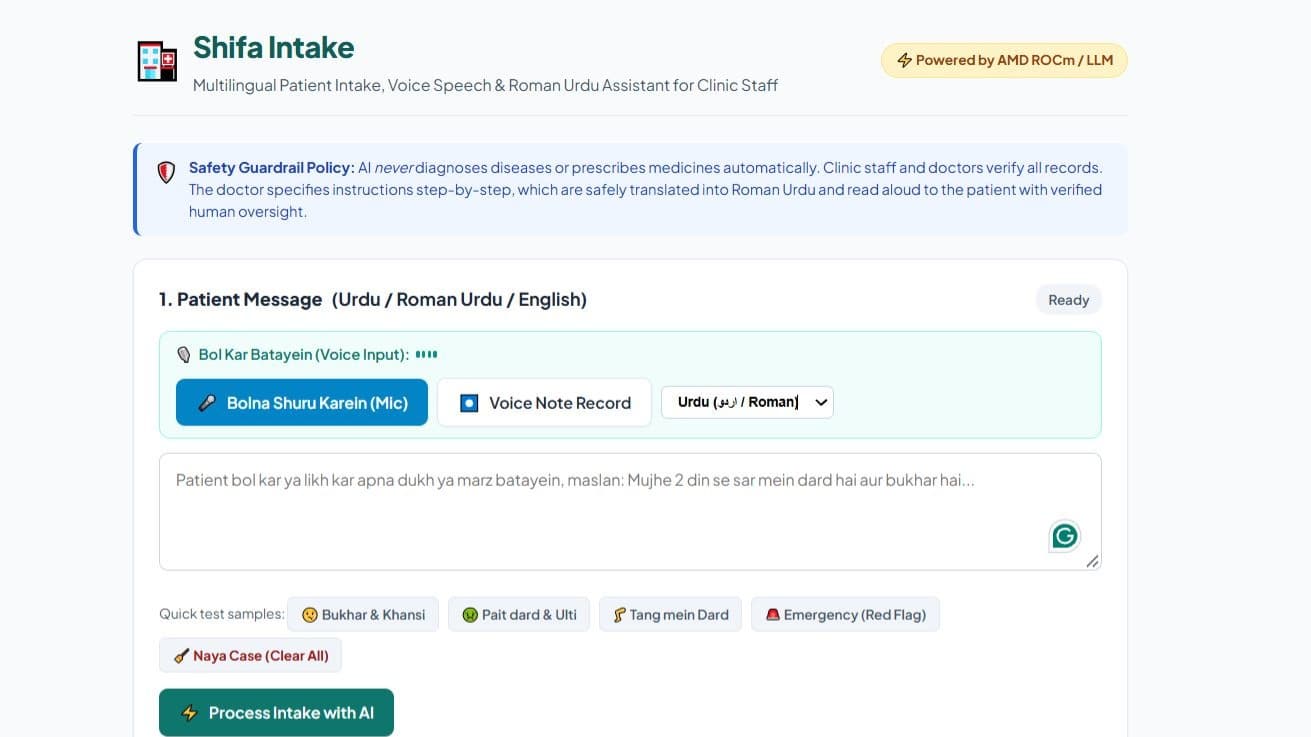
## MediGuide AI – Multilingual Healthcare Intelligence MediGuide AI is an AI-powered healthcare accessibility platform designed to help patients understand complex medical reports in their preferred language. ### The Problem Medical reports often contain complex terminology that patients struggle to understand. Language barriers can make healthcare information even more difficult to access, affecting patients' ability to prepare for consultations and ask informed questions. ### Our Solution MediGuide AI transforms medical documents into more accessible, patient-friendly information through an intelligent document-processing pipeline. ### Key Features - **Medical Document Extraction:** Uses PaddleOCR and text extraction to process uploaded medical reports. - **Clinical Entity Recognition:** Identifies important medical terms and entities using a pretrained biomedical NER model. - **Report Summarization:** Produces concise summaries to make medical information easier to review. - **Multilingual Accessibility:** Supports English, Tamil, Hindi, Telugu, Malayalam, and Kannada. - **AI Health Assistant:** Helps patients understand medical terminology and prepare questions for their doctors. - **Emergency Awareness:** Detects potentially urgent symptom descriptions and advises users to seek appropriate medical care. ### Technology Stack - Frontend: React - Backend: Python, FastAPI - OCR: PaddleOCR and PyMuPDF - NLP: Transformers and biomedical named entity recognition - Database: SQLite - Multilingual processing: Local language detection and translation components ### Innovation and Impact MediGuide AI combines medical document processing, clinical NLP, summarization, and multilingual accessibility in one platform. It aims to reduce language barriers and help patients participate more confidently in healthcare discussions. MediGuide AI is an educational support tool, not a replacement for professional medical advice, diagnosis, or treatment.

PlantAI:Plant Disease Diagnosis

PlantAI:Plant Disease Diagnosis

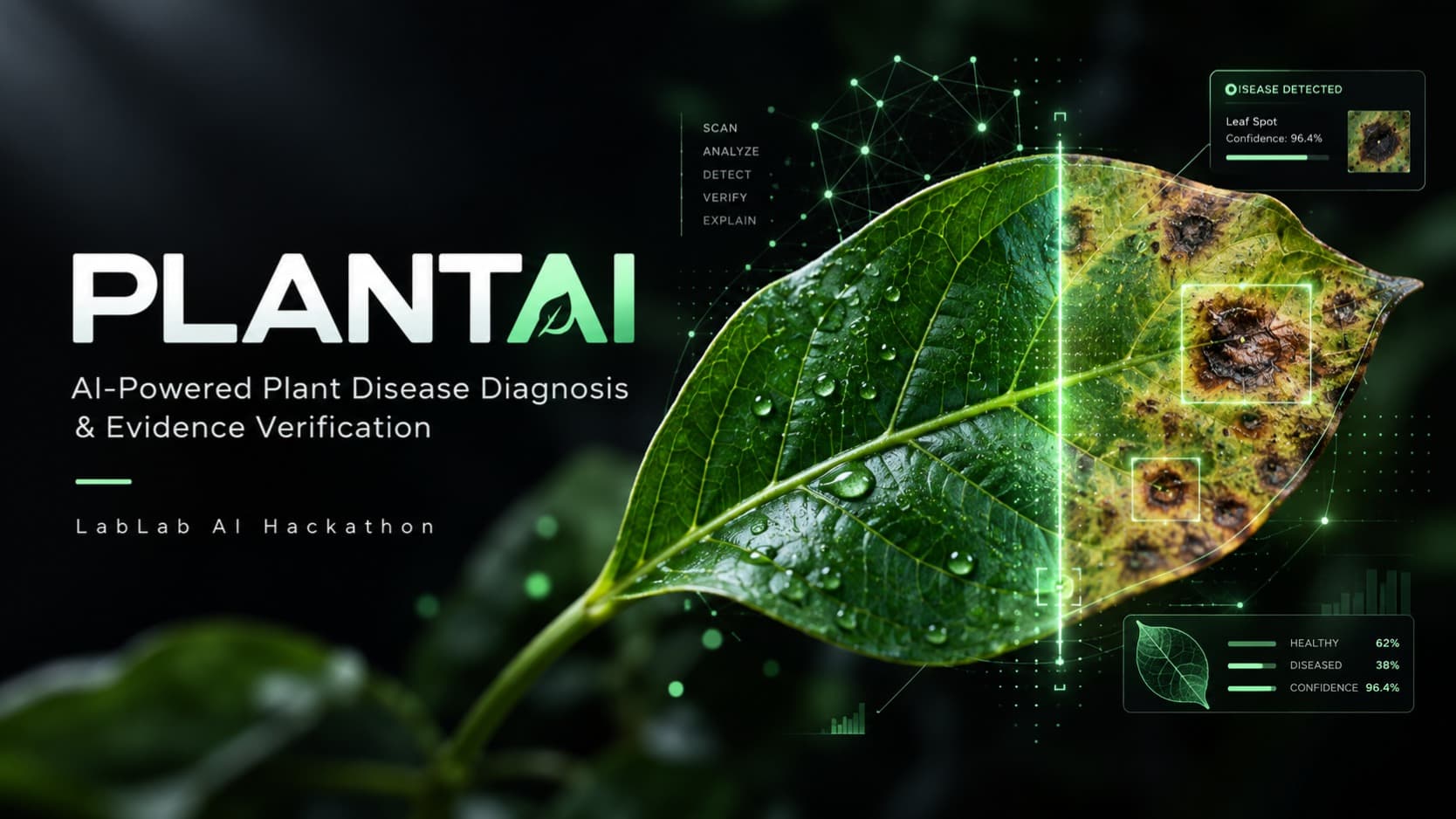
PlantAI is an agentic computer vision system designed to help farmers, agricultural students, researchers, and plant-care professionals identify plant diseases quickly and make more informed decisions. Plant disease diagnosis is often dependent on manual inspection or expert knowledge, which can be slow, subjective, and difficult to access—especially when symptoms look similar across different diseases. A wrong or uncertain diagnosis can lead to inappropriate treatment, crop loss, and unnecessary use of pesticides. PlantAI addresses this problem through an AI-powered diagnosis pipeline that combines computer vision with agentic evidence verification. Users interact with a simple interface by uploading an image of a plant leaf. The computer vision model analyzes the image and predicts the most likely disease. Instead of relying only on a single classification result, PlantAI uses an ensemble of deep learning models to improve prediction reliability. The system combines EfficientNetV2-S, ConvNeXt-Tiny, and Swin-Tiny through weighted ensemble learning. A supervisor agent then coordinates additional evidence-gathering steps, including retrieval-augmented generation (RAG), disease-specific knowledge retrieval, web research, and contextual information. The collected evidence is analyzed and fused with the computer vision prediction to provide a more explainable and reliable diagnosis. A key feature of PlantAI is its focus on evidence-backed AI rather than simply returning a disease label. The system can provide the predicted disease, confidence information, supporting evidence, and relevant diagnostic context. When the available evidence is insufficient or the prediction is uncertain, the architecture can support uncertainty handling and abstention rather than forcing an unreliable answer. What makes PlantAI unique is the combination of high-performance computer vision, ensemble learning, RAG, web research, and agentic verification in a single plant-disease diagnosis workflow. This creates a multi-stage system where visual recognition is supported by external evidence and reasoning rather than operating as an isolated image classifier. The target users can upload a plant image through the web application and receive an AI-generated diagnostic response in an accessible, conversational format. PlantAI is designed to make advanced AI-assisted plant disease analysis more accessible while providing a foundation for future agricultural decision-support applications. PlantAI demonstrates how computer vision and agentic AI can work together to transform image-based disease recognition into a more evidence-aware and reliable diagnostic workflow.

Dev-Lens

Dev-Lens

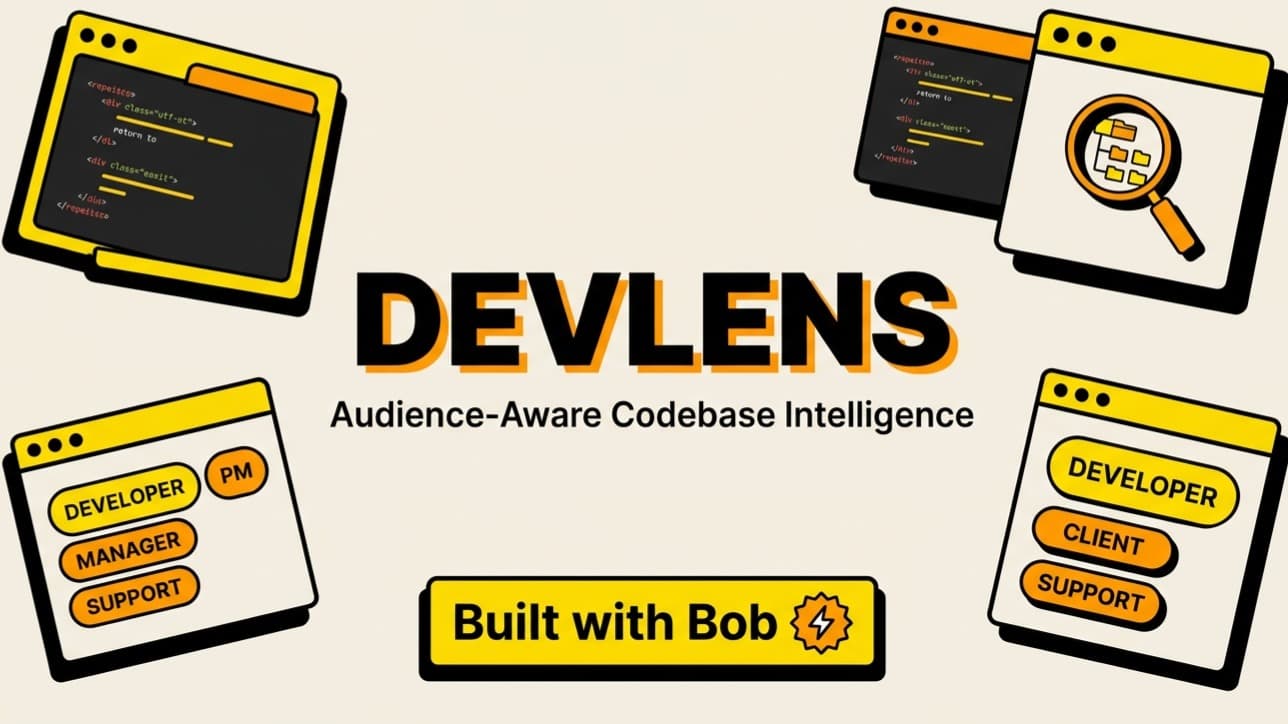
Problem: Developers spend hours translating codebase realities for non-technical stakeholders. When product managers ask "How hard is this feature?" or clients ask "Why is this refactor necessary?", developers must pause their core work, inspect multiple repositories, evaluate architectural impact, and translate complex technical nuances into language suited for specific audiences (PMs, clients, managers, or support). Existing AI coding tools either write code or produce generic summaries prone to hallucinations that lack grounded architectural validation. Solution: I built DevLens, a developer-first codebase intelligence tool that bridges the gap between a developer’s mental model and stakeholder questions. By combining multi-repository indexing, a personalized "Developer Lens", and dual-engine AI validation powered by IBM Granite, DevLens delivers structured, 7-section technical impact analyses (Current System, What Would Change, Affected Areas, Effort, Risks, Unknowns, and Internal Developer Reasoning) tailored to any selected audience. Target Users: Software engineers, tech leads, engineering managers, and technical product managers working with single repositories or multi-service microservices. How Users Interact With It: 1. Context & Component Indexing: Users connect GitHub repositories or multi-service projects, allowing DevLens to index file trees, dependencies, and architectural components. 2. Define the Developer Lens: Engineers configure their investigation methodology (e.g., test-driven, data-flow first) and communication preferences (bullet points, trade-off focus), creating a reusable mental model that can be published as a public share link. 3. Audience-Aware Analysis: Users ask any engineering question and select their audience (Developer, PM, Manager, Client, or Support). DevLens generates a structured, role-adapted breakdown. 4. Granite Evidence Validation: IBM Granite automatically audits the analysis against indexed codebase evidence, categorizing claims (SUPPORTED, WEAKLY_SUPPORTED, CONTRADICTED) and surfacing architectural anomalies. 5. Report Bot: Users curate multiple saved analyses into a paginated, print-ready PDF engineering report via Paprize. What Makes It Creative & Unique: - Dual-Engine Trust: Unlike single-prompt LLM wrappers, DevLens separates generation from verification. IBM Granite acts as an objective validator to ensure claims reflect actual code. - Developer Lens Personalization: DevLens explains systems the way you think, preserving individual engineering insights across team handoffs. - Multi-Audience Pitching: The exact same architectural change is automatically translated into executive summaries for management, sprint impact for PMs, or line-level reasoning for developers. Effectiveness & Efficiency: DevLens eliminates hours of manual drafting, cross-team misunderstandings, and unverified architectural assumptions. Running on a lightweight Cloudflare Worker with D1 SQLite persistence and non-blocking IBM Granite inference, DevLens provides instant, verified engineering intelligence with zero infrastructure overhead.