🤝 Top Collaborators

🤓 Latest Submissions
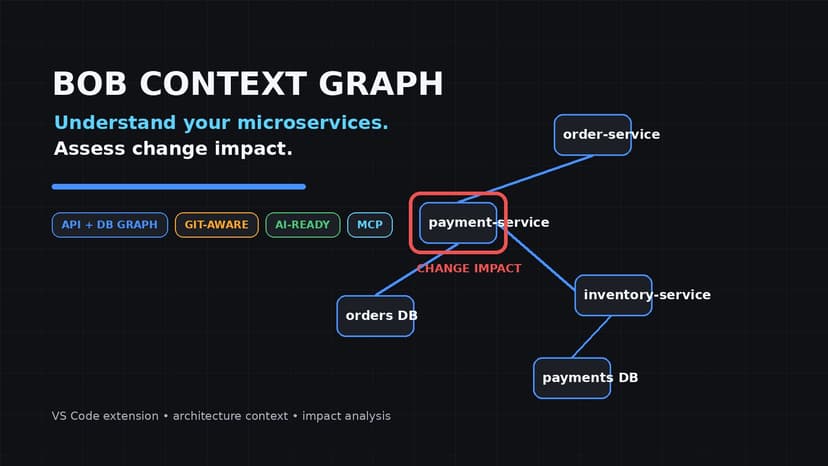
Bob Context Graph
Modern applications often consist of many microservices, APIs, databases, and dependencies. When developers modify one service, understanding which other components may be affected can require manually searching source code, configuration files, database definitions, and Git history. This makes impact assessment time-consuming and increases the risk of missing dependencies before deployment. Bob Context Graph addresses this challenge by providing an interactive system graph directly inside VS Code. It statically analyzes supported application source code and configuration to discover services, APIs, database schemas, and service dependencies, then builds a persistent, workspace-scoped context that can be reused across sessions. Developers can explore their architecture through a visual graph and select service or database nodes to inspect endpoints, tables, and columns. When making changes, they can run Change Impact Analysis against the Git baseline. The system identifies changed components, related dependencies, and severity-labeled findings, helping developers focus their review on areas that may require attention before shipping. The solution is designed for software developers, architects, and engineering teams working with microservice-based systems. Users interact with it through a VS Code sidebar, system graph, and impact-analysis views. The same structured context can also be accessed by external AI tools through an MCP server. A key creative aspect is combining deterministic static analysis, persistent context, Git-aware change detection, and optional AI reasoning in a single developer workflow. Users can choose deterministic analysis, an offline IBM Granite model, or IBM watsonx.ai for reasoning. The architecture also avoids requiring running services or databases for the included demonstration because the context is derived directly from source code. The solution improves efficiency by reusing unchanged parsed context, maintaining a versioned cache, and focusing analysis on the difference between the current working tree and the Git baseline. This allows developers to move from "What changed?" to "What might this change affect?" without leaving their editor.
27 Sep 2026
