Cursor

Cursor is an AI-powered integrated development environment (IDE) designed to help developers write, edit, and debug code more efficiently. Built on top of Visual Studio Code (VS Code), Cursor retains full compatibility with all VS Code functionalities and integrations, making it easy for developers to transition between IDEs. With advanced AI capabilities, Cursor improves workflows by providing intelligent code suggestions, predictive completions, and auto-updating code references, all aimed at reducing manual tasks. It also offers real-time collaboration features, context-aware code discussions, and proactive AI debugging, giving developers a powerful and intuitive environment for building software faster.

General
AuthorCursor
Release Date2023
Websitehttps://www.cursor.com/
Repositoryhttps://github.com/cursor
Documentationhttps://docs.cursor.com/
Technology TypeAI-Powered Integrated Development Environment (IDE)

Key Features

  • AI-powered Code Suggestions: Cursor provides contextual code predictions and completions, helping developers write code faster by suggesting what comes next, understanding the project structure, and updating references automatically.

  • Refactoring and Debugging: The AI helps in refactoring code by suggesting improvements and fixing linter errors within the code editor, making it easier to maintain code quality.

  • VS Code Extension Compatibility: Users can import VS Code extensions and key bindings, ensuring familiarity for those migrating from other environments.

  • Keyboard Shortcuts: With powerful shortcuts like Cmd + K for code generation and Cmd + L to open chat, Cursor enhances developer productivity by offering quick access to AI tools.

  • Collaboration Tools: Built-in features for chat-based coding, AI-assisted discussions, and the ability to track chat history make it ideal for teamwork and collaborative projects.

  • Chat with AI: Through the chat interface, developers can ask questions about their codebase, request code fixes, or get contextual assistance, making the coding experience more interactive and dynamic.

Start Working with Cursor

To start using Cursor:

  • Visit the official Cursor website and download the IDE.

  • Follow the instructions in the documentation for migrating from VS Code, which helps import your settings, extensions, and preferences.

  • Get acquainted with Cursor's features, such as AI-based code assistance, by reading the Cursor documentation for in-depth guides and usage tips.

Cursor top builders

Explore the top contributors showcasing the highest number of Cursor app submissions within our community.

Cursor AI technology page Hackathon projects

Discover innovative solutions crafted with Cursor, developed by our community members during our engaging hackathons.

Connected Industrial Failure Intelligence

Connected Industrial Failure Intelligence

Connected Industrial Failure Intelligence is a machine-learning-based predictive maintenance system designed to help identify potential equipment failures before they occur. It uses NASA's C-MAPSS FD001 simulated turbofan engine dataset to estimate Remaining Useful Life (RUL), assess failure risk, and provide interpretable sensor-trend evidence through an interactive dashboard. The system combines a Random Forest regression baseline with an LSTM-based sequence model to estimate engine degradation. It evaluates predictions using metrics such as Mean Absolute Error (MAE) and Root Mean Squared Error (RMSE), while a configurable threshold converts predicted RUL into risk categories. The Streamlit dashboard presents engine health information, predicted RUL, sensor trends, and transparent, rule-based maintenance recommendations. Illustrative maintenance examples are explicitly identified as synthetic rather than real industrial records. The project emphasizes reproducible training, engine-level data splitting, artifact integrity checks, automated testing, and honest evaluation of model performance. Its goal is to demonstrate how machine learning can support predictive maintenance workflows and provide a foundation for future validation on real industrial data and AMD GPU infrastructure. The current implementation uses simulated benchmark data; real-world deployment would require validation on actual equipment telemetry. AMD GPU execution has not yet been verified.

FormForge

FormForge

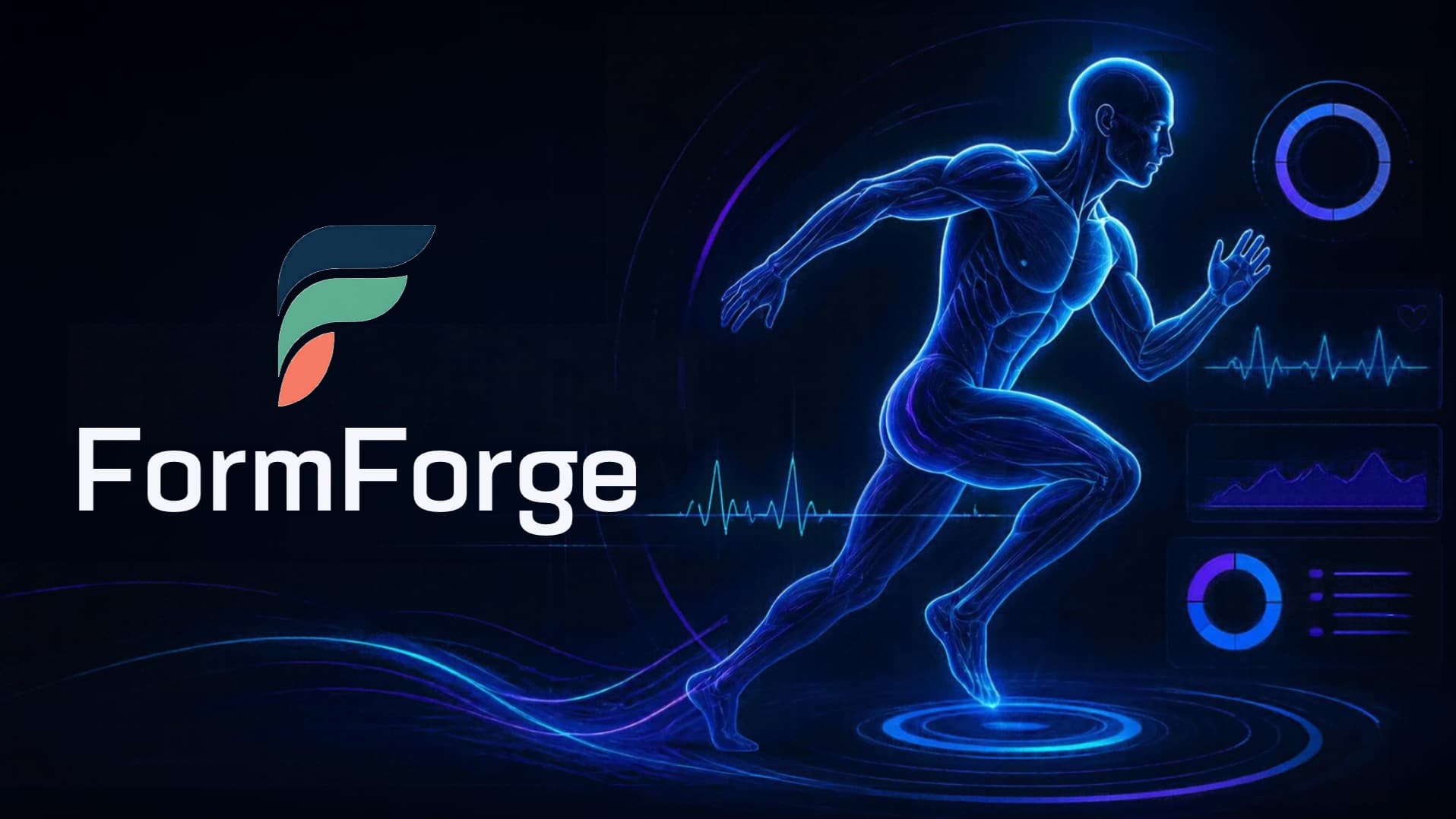
FormForge turns exercise analysis into something people can immediately understand. It shows a user’s original movement beside the same recording with its form corrected, combining deterministic pose geometry, a live angle meter, multilingual AI coaching, and frame-timed voice guidance. The hackathon proof of concept focuses on one clear and testable case: a side-view high plank in which the hips leave the shoulder–hip–ankle line. The original panel displays the measured body path, changing from red toward green as the position approaches the configured target. The corrected panel keeps the original video visible while drawing the corrected pose as a cyan hologram. A live angle meter compares the current position with the target, with a straight shoulder–hip–ankle line displayed as 180 degrees. The user can also open a report containing the hold duration, peak deviation, time outside the target band, worst frame, and coaching cues. MiniCPM-V-4.7-1B first examines sampled frames and identifies the movement. If it is not confident, DeepSeek-V4-Flash-Vision-Exp is used as a fallback. Both are accessed through AMD Token Factory. MediaPipe Pose then extracts the joint positions. Deterministic Python selects the most visible side, measures the hip’s signed angular offset and perpendicular distance from the shoulder–ankle line, detects the misalignment, and produces corrected keypoints. The correction is verified before it is displayed. Gemma-4-31B-IT receives only the validated finding and its frame span, then writes two or three concise coaching cues in the user’s selected language. Gradium converts those completed cues into speech, with each line triggered as the video reaches the relevant frames. The result is an experience designed for understanding rather than scoring. Instead of merely telling someone that their position is wrong, FormForge lets them see the difference on their own body and connect the visual correction with a simple spoken instruction.

ATLAS

ATLAS

ATLAS is not a simple chatbot; it is a universal AI orchestration system designed to manage any organization or startup. It acts as the "operating system" of a company, capable of planning, delegating tasks to specialized AI agents, and enforcing strict security protocols (Zero Trust). The Demo: Orchestrating Cloud Infrastructure For this hackathon, we demonstrate ATLAS orchestrating a complex cloud infrastructure: ZTC Hosting. Managing web hosting requires juggling multiple APIs (cPanel/WHM, billing, DNS) and handling critical incidents. ATLAS acts as the central brain. It analyzes events, delegates tasks to specialized agents (Support, Network Operations, Provisioning), and uses secure, typed API tools to execute operations. Real-time 3D Digital Twin To make this complex AI activity understandable to humans, ATLAS projects the entire organization into a real-time 3D digital twin. Every AI agent has a 3D avatar. Their movements, statuses, and animations map directly to the actual infrastructure state. If an incident occurs, the NOC agent visibly investigates. Crucially, for high-risk actions, the agent waits for human approval (Human-in-the-loop). AMD Technology Integration To meet the hackathon's technical requirements, ATLAS's core reasoning engine (a high-performance Large Language Model) is hosted and served on AMD Developer Cloud using ROCm and vLLM. The heavy lifting of the AI inference is powered by AMD GPUs. This proves that ATLAS is a hardware-agnostic, production-ready architecture capable of running on AMD infrastructure without rewriting its core logic.

SartorIA: from sketch to sell-through

SartorIA: from sketch to sell-through

Sartoria is an AI workspace for fashion and leather-goods brands that compresses months of product development into a single guided pipeline. You start from a sketch, an archive photo or a written note. Sartoria reads the garment, extracts its DNA (materials, colours, hardware, measurements) and turns it into constraints that every later step must respect. Brand DNA, learned from your own archive. The brand's past catalogue isn't just a mood board. Each archive product carries the codes it was built with, and Sartoria measures how much each code actually sold. These codes feed fine-tuned LoRA models, so new designs look like the brand and not like generic AI output. From concept to 3D prototype. The approved sketch becomes a photoreal concept, then a 3D model checked against the target measurements. A technical operator can refine it before it moves on. Commercial content without a photo shoot. Packshots (front, side, back and detail shots), lifestyle scenes, on-model images, editorial looks and UGC-style reels with virtual creators, voice and music are all generated from the same approved product, so the product looks the same in every asset. A quality check compares every image against the DNA and the measurements. Delivery and validation. Sartoria writes the product detail page, collects a sign-off with a checklist and exports a labelled asset pack, with AI disclosure burned into every video. A live virtual try-on lets you wear the product through a webcam. Before any physical sample, a simulated paid social test measures saves, click-through rate and pre-orders. A statistical forecast built on the brand's past launches then gives a go / iterate / stop call and a recommended production quantity. Open where it matters. Image and 3D generation can run self-hosted on open-weight models, with managed models available as an option. Every asset records which model made it and what it cost

Culltron CivicOps

Culltron CivicOps

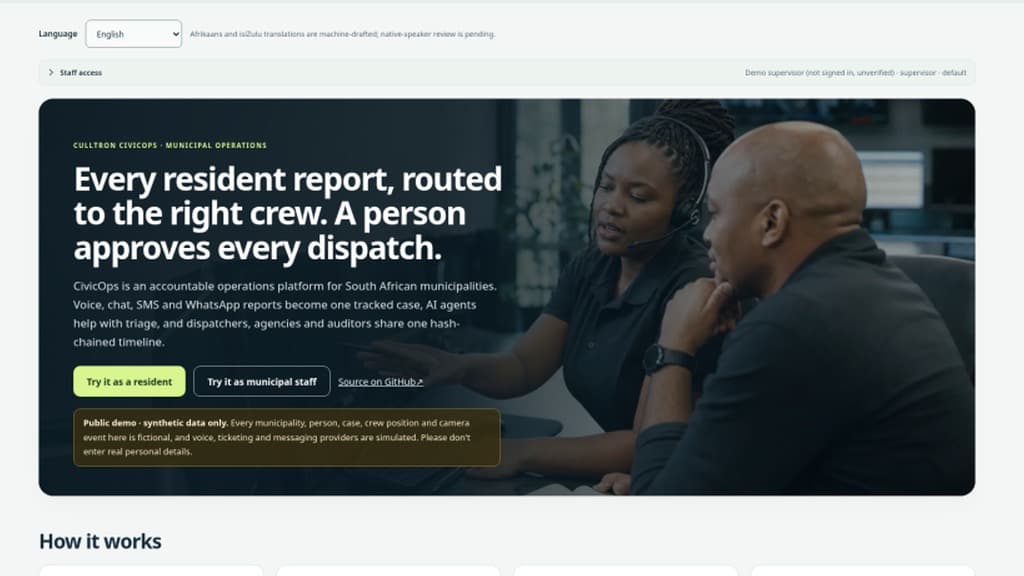
The problem. In a South African storm, municipal call centres flood. Reports arrive by phone, WhatsApp, email and walk-ins, and get re-typed, lost or duplicated. Residents never learn what happened, and control rooms cannot show who decided what. What CivicOps does. One front door: residents report by voice, chat, SMS, WhatsApp, web form or Open311 and get a reference number. On the live demo the resident agent is an ElevenLabs conversational agent using short-lived signed sessions. Bounded agents (Gemini 3.5 Flash-Lite, with a deterministic fallback) extract facts, triage, flag duplicates, recommend an eligible crew and draft resident updates, recording provider, model, confidence and reasoning. Agents cannot approve, assign or send anything: a dispatcher approves and assigns, and a supervisor names the incident commander and decides mutual aid. A live map shows aggregated operations only, with no person tracking. Multiple agencies share one incident and timeline. SOS needs a deliberate 3-second hold and never replaces 10111, 10177 or 112. Every action goes into an append-only SHA-256 hash-chained audit trail verifiable in the browser. Hard spend caps switch the demo to a labelled simulation. Honest scope. The demo uses synthetic data (EXPLICIT DEMO); email goes to an outbox only and field responses are simulated; Afrikaans and isiZulu translations await native review. An AMD Instinct/vLLM open-model path is implemented but was not run on AMD hardware for this event.